Editing a component
Edit a component’s content: the edit form, lists of items, images, and links.
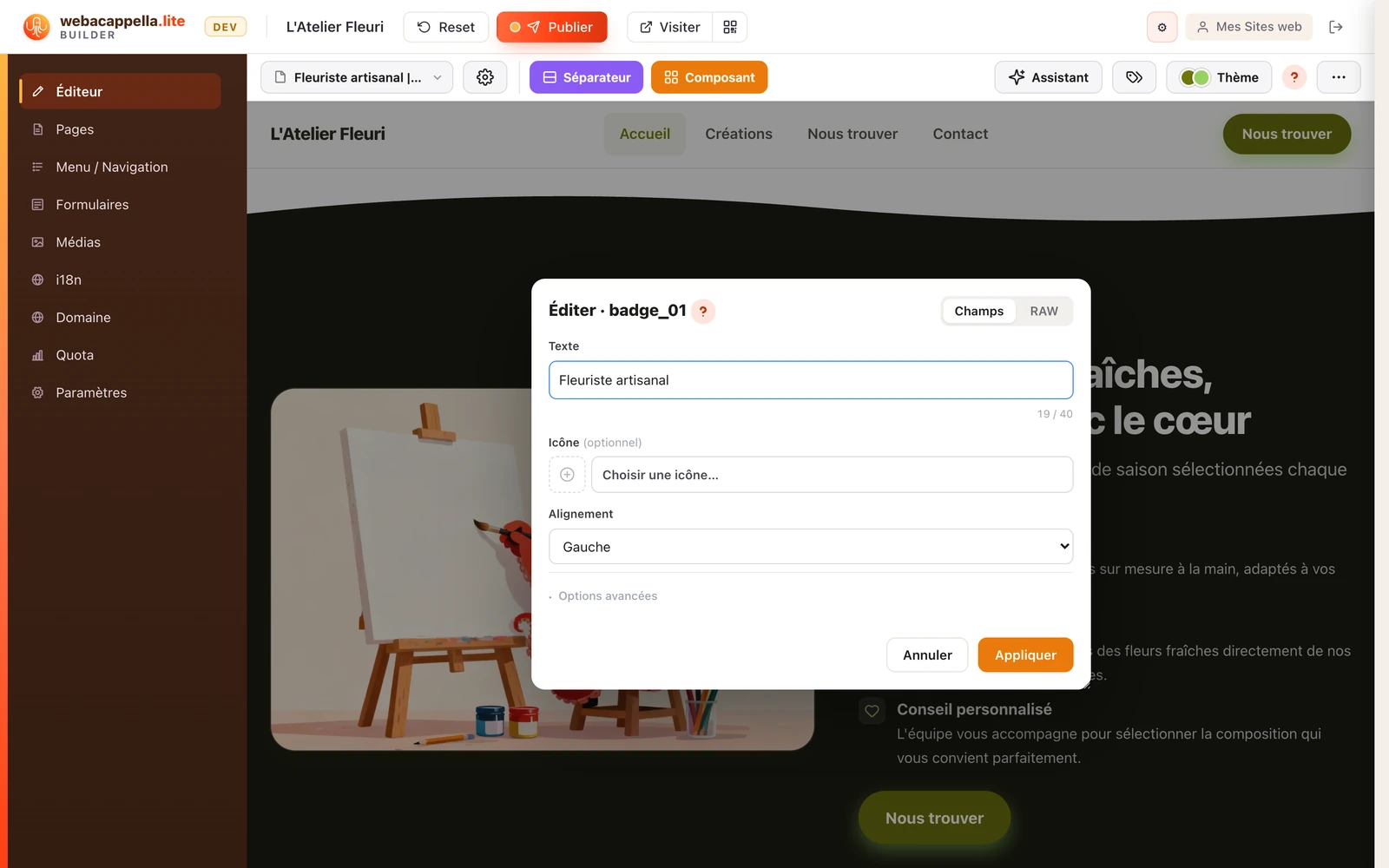
Click on a component on your page: its settings open in a form. Each field corresponds to a visible element—title, text, image, button—and your changes appear immediately on the page.
Lists of items
Many components contain a list (cards, Q&As, pricing, etc.). You can add, reorder, or delete items—the layout adjusts automatically.
Images and links
- Images: Choose an image from your media library or import a new one—it’s automatically optimized for the web.
- Links: A link can point to a page on your site, a specific section, or an external URL.