Getting Started with WebAcappella
The complete four-step process: create your site, customize it in the editor, publish it, and then connect your domain name to it.
From creation to launch, the process consists of four steps—each with its own detailed article.
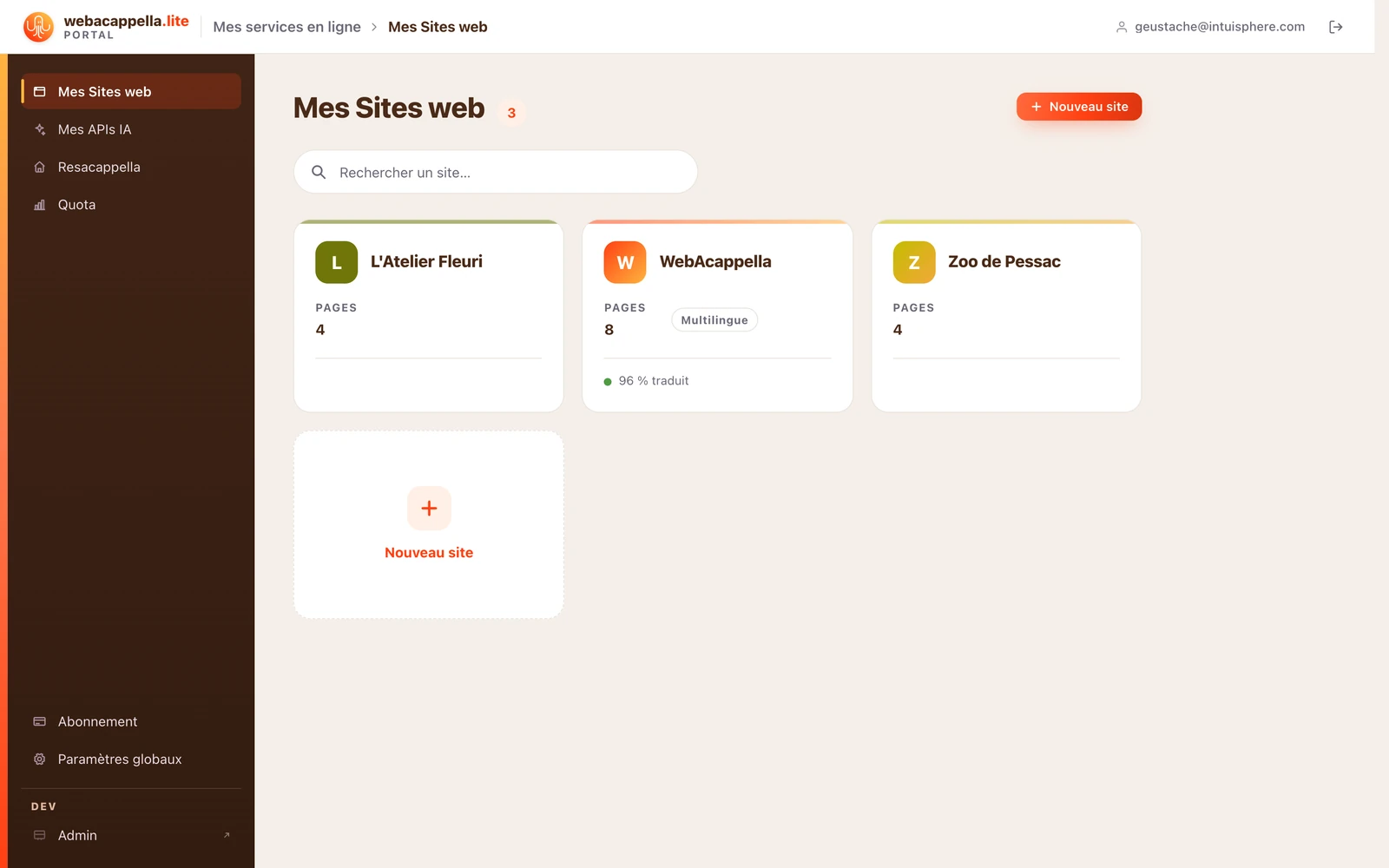
The process at a glance
- Create your site—a complete initial version is ready for you. See Create a Site.
- Customize it — you can edit everything directly on the page. See Getting Started with the Editor.
- Publish — your site goes live immediately at the provided address. See Publish your site.
- Connect your domain — for a custom address, such as myrestaurant.fr. See Connect your domain.