Create a site
How to create a new site: automatic setup of the first version, and what happens next.
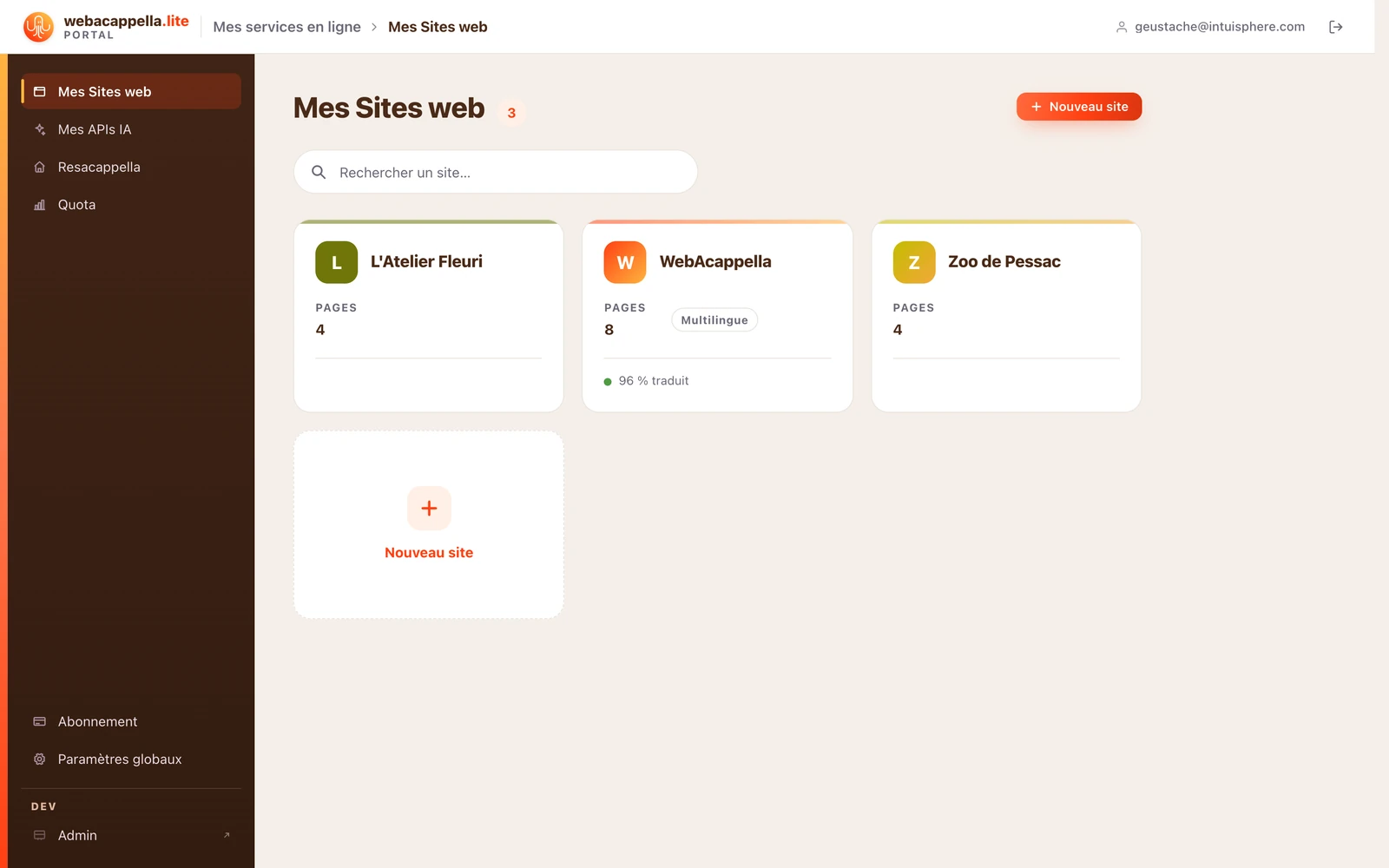
Click New Site and answer the questions (name, business type): a complete initial version is prepared—pages, colors, and default text tailored to your industry.
What’s next?
- Replace the default text and images with your own—see Getting Started with the Editor.
- Adjust the colors and fonts for the entire site at once—see The Theme.
- Publish: your site goes live immediately.